Previewing your applications in developer mode
PhariaAssistant offers a developer mode which allows you to preview your local PhariaAI applications directly within the interface before deploying it to production.
Enabling developer mode
-
Open the PhariaAssistant interface.
-
Click the profile icon in the top-right corner.
-
Toggle on Developer Mode.
-
Click the Set Server URLs button to add your local application server URL.
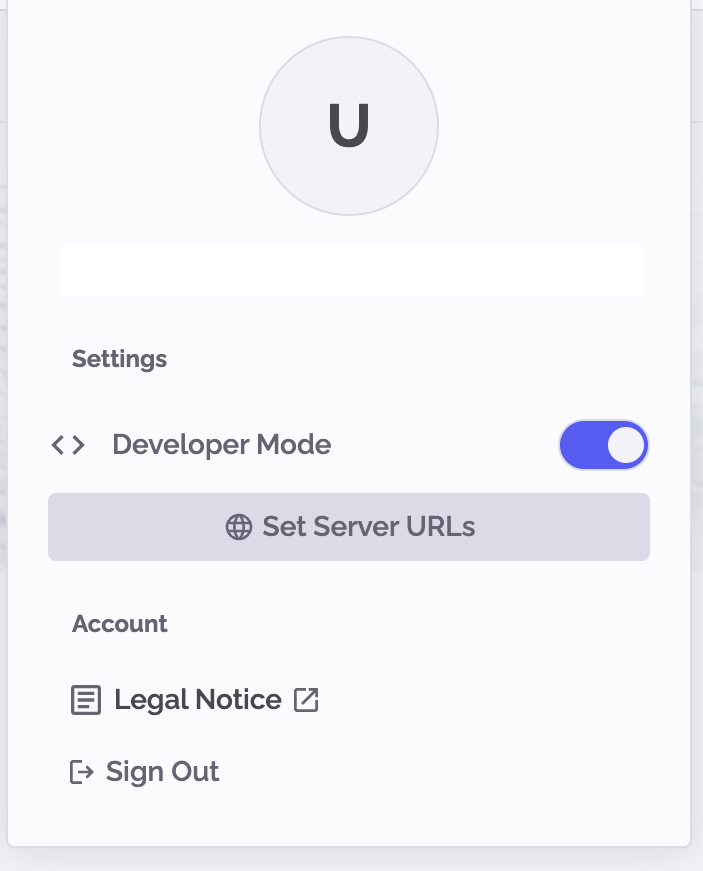
Configuring your local application server
After you enable developer mode and click Set Server URLs, a configuration dialog appears:
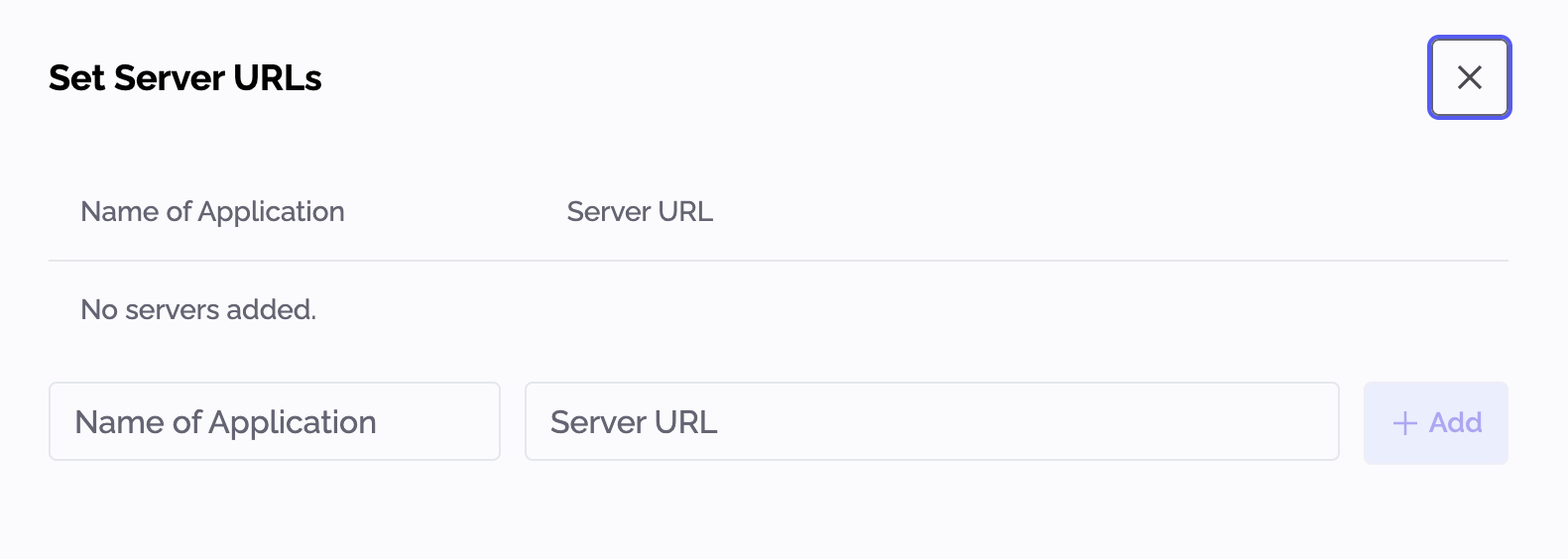
Fill in the required details as follows:
-
Name of Application – Provide a clear and descriptive name for your local application.
-
Server URL – Enter your local server address; for example,
http://localhost:8080. -
Click Add to save your configuration.
Your application appears in the left sidebar. Click it to preview your local application.