Troubleshooting PhariaFinetuning
Restart the Ray cluster
The Ray cluster may need to be restarted to recover from faults or to apply new infrastructure changes.
| Restarting the Ray cluster terminates all ongoing jobs! Also, past logs will only be accessible via the Aim dashboard. |
Steps to restart the Ray cluster
-
In the ArgoCD Dashboard, locate the PhariaFinetuning application.
-
Find the Kubernetes resource for the Ray Cluster.
-
Identify the head node pod; for example:
pharia-learning-pharia-finetuning-head. -
Delete the head node pod:
-
Click on the kebab menu icon next to the pod name.
-
Select Delete.
-
The cluster will reboot in a few minutes.
-
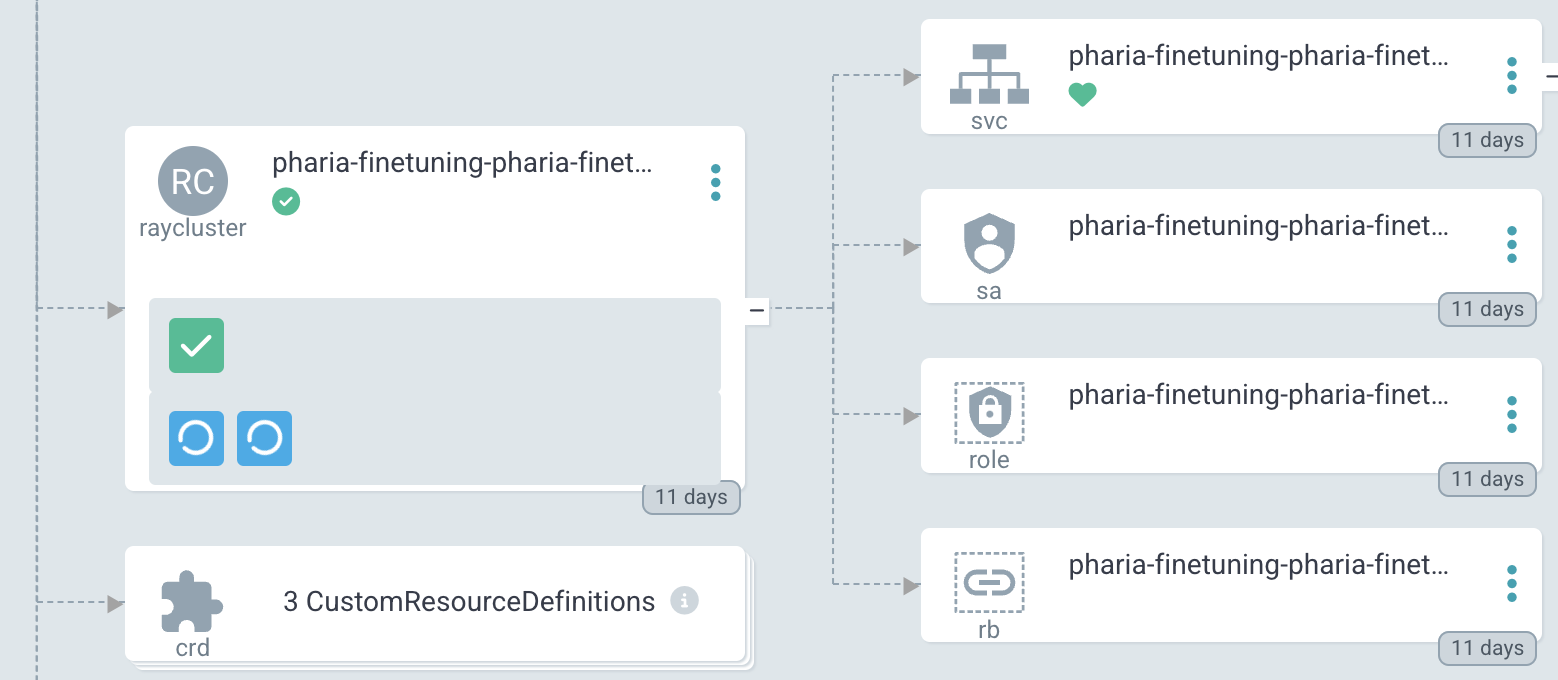
Alternative: Restart the Ray cluster using the Ray CLI
| This has not been tested at Aleph Alpha, but the following is possible according to the Ray CLI documentation. |
-
If there are no configuration changes, use
bash ray up.
This stops and starts the head node first, then each worker node. -
If configuration changes were introduced,
ray upupdates the cluster instead of restarting it.
See the available arguments to customise cluster updates and restarts in the Ray documentation.
Handling insufficient resources
When submitting a new job to the Ray cluster, it starts only when resources are available. If resources are occupied, the job waits until they become free.
Possible reasons for delays in job execution
-
Another job is still running.
-
The requested machine type is not yet available.
When a job fails due to insufficient resources
Ensure that the job’s resource requirements align with the available cluster resources:
✅ Check if GPUs are available
If your job requires GPUs, ensure that there is a worker group configured with GPU workers.
✅ Check worker limits
Ensure the number of workers requested does not exceed the maximum replicas allowed in the configuration.